Repair advice
Laptop advice
Laptop guides for Windows and MacBook: slow performance, overheating, charging, keyboards, hinges and spills. 8 guides.
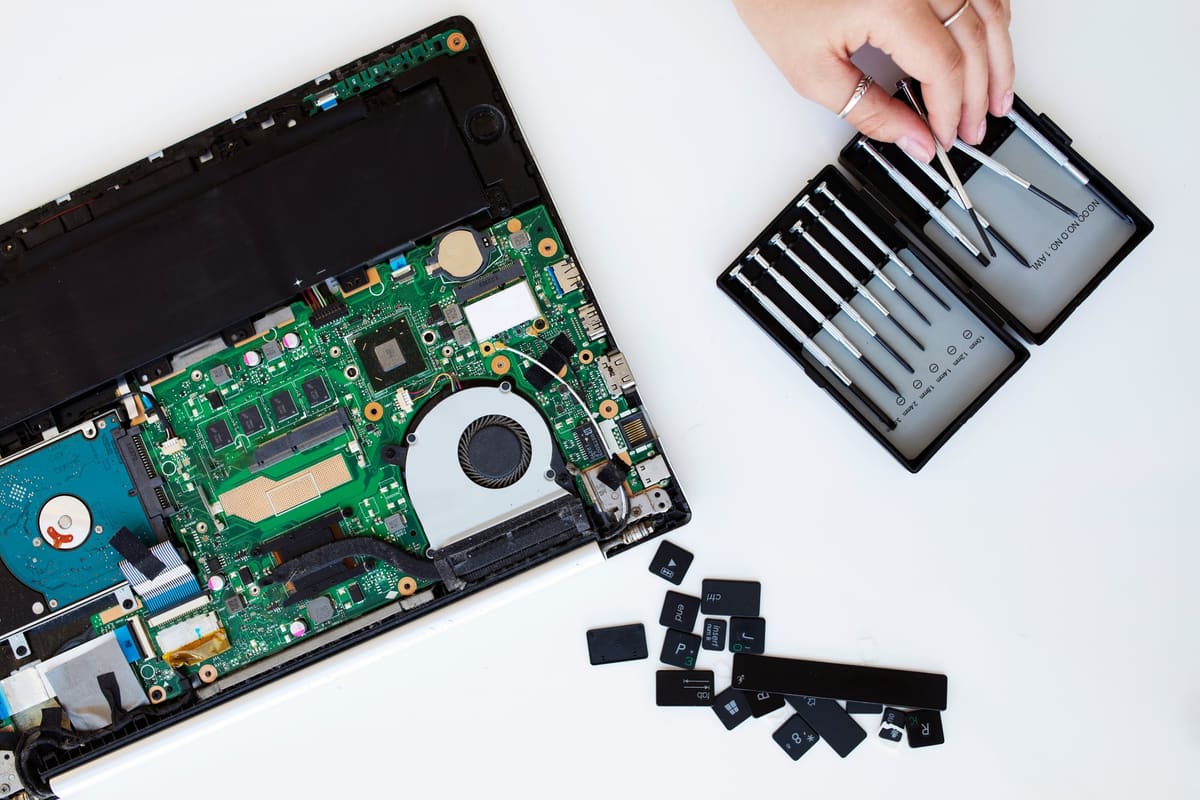
Laptop advice guides
Laptop fan loud and running hot: what it usually means
A noisy fan and a hot laptop usually mean the cooling system is struggling, often because of dust. Left alone, heat slows the laptop down and can shorten its life.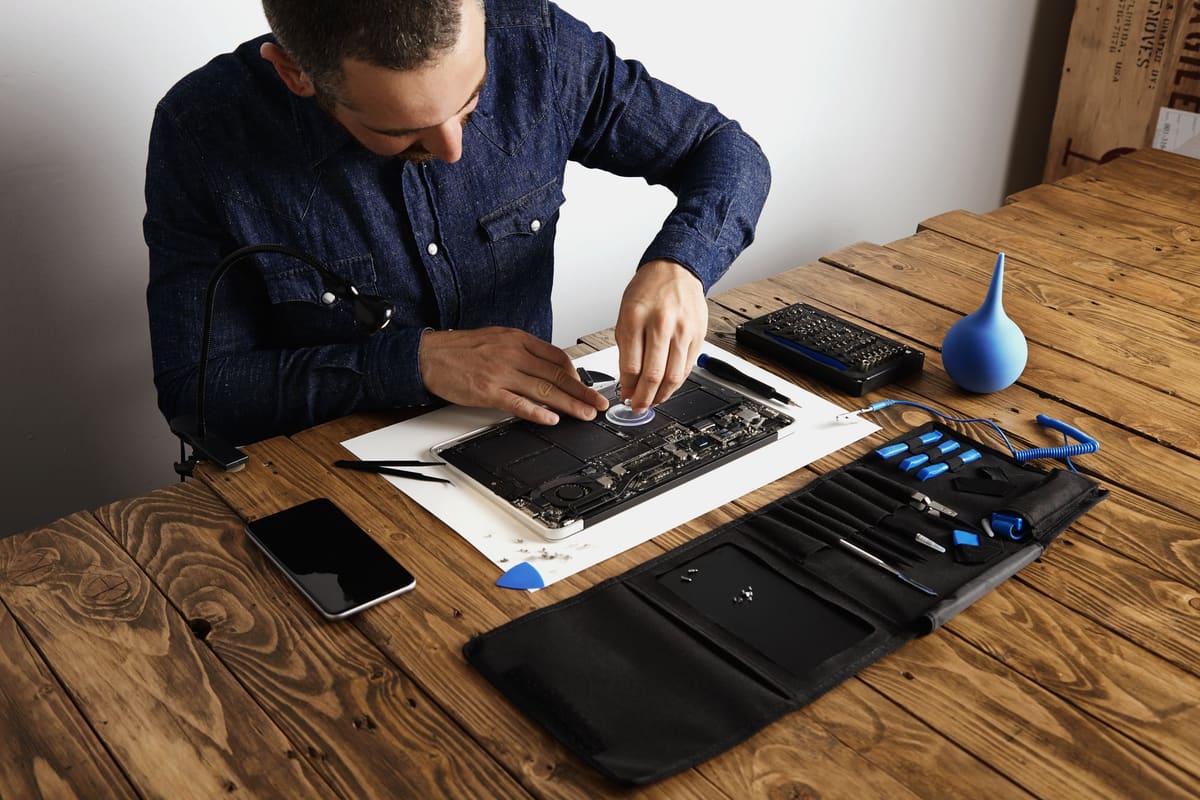
Laptop plugged in but not charging
A laptop that says plugged in, not charging is not always faulty. Battery-care settings, the wrong charger or a worn port can all cause it.
Can an SSD upgrade save an old laptop?
Replacing an old hard drive with a solid-state drive is often the single biggest speed boost an older laptop can get. Here is when it helps and when it cannot.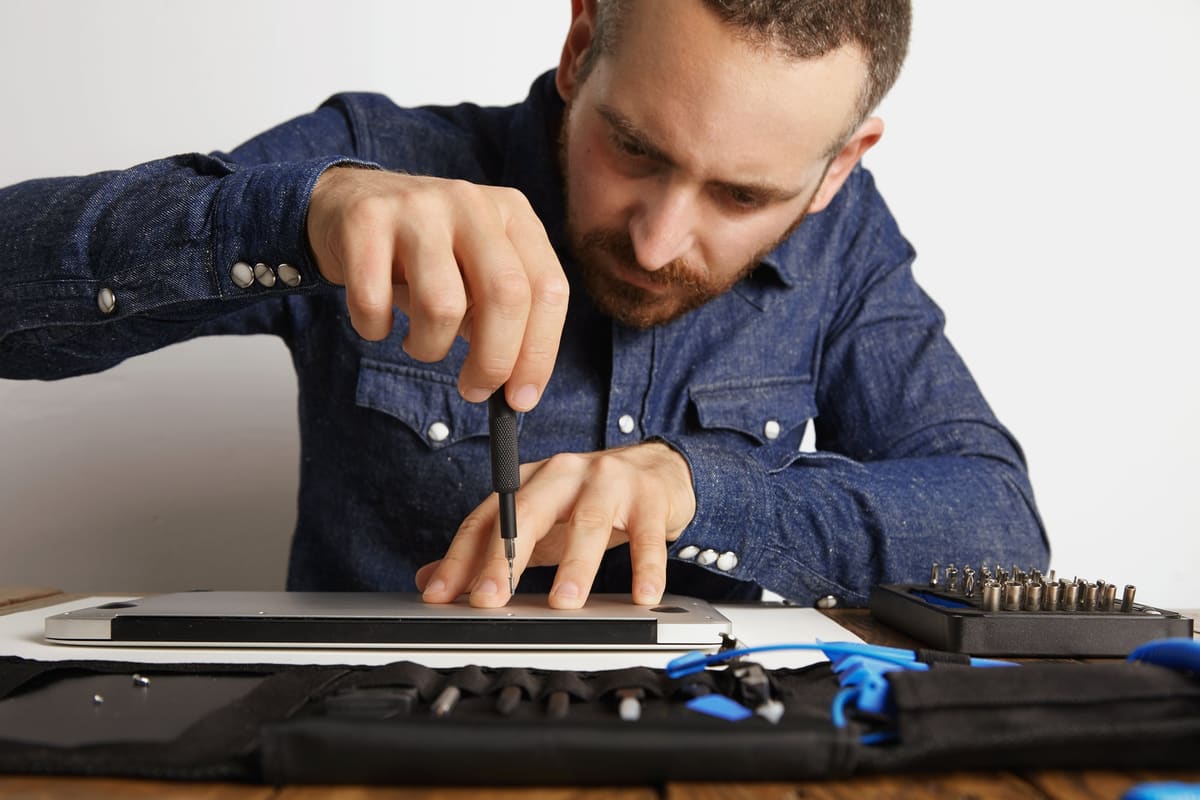
Broken laptop hinge: repair it before it gets worse
A stiff, creaking or loose hinge can crack the case and damage the display cables. Fixing it early is usually far cheaper than waiting.
Spilled a drink on your laptop? The first ten minutes
What you do immediately after a spill matters more than anything else. Power off, unplug and resist the urge to check whether it still works.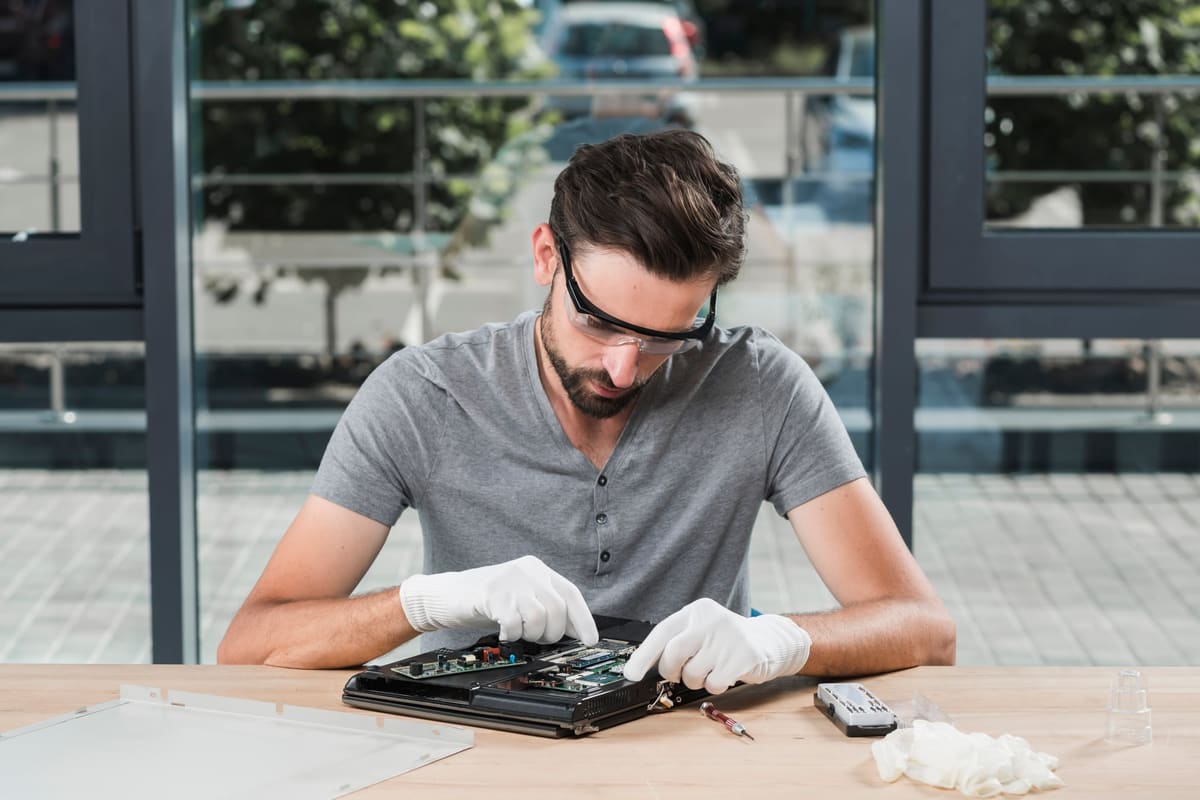
Blue screen errors: software or hardware?
Windows blue screen crashes can be caused by drivers, updates, memory or a failing drive. The stop code and the pattern of crashes help point to the cause.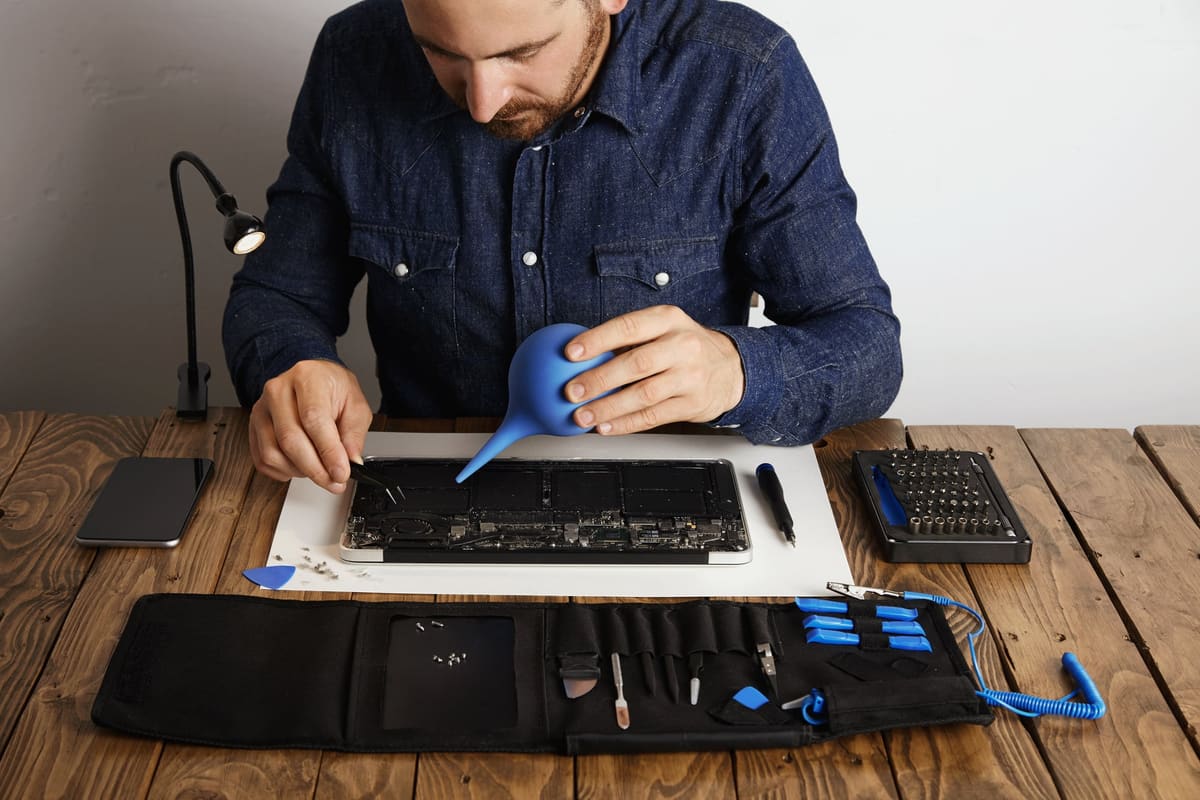
Why is my laptop so slow?
A slow laptop can have several causes. Start with software, available storage and workload before deciding that a component needs replacing.

Bring it in today
Four walk-in repair centres, open seven days. Free diagnostic before any work starts.
Call 01708 922786