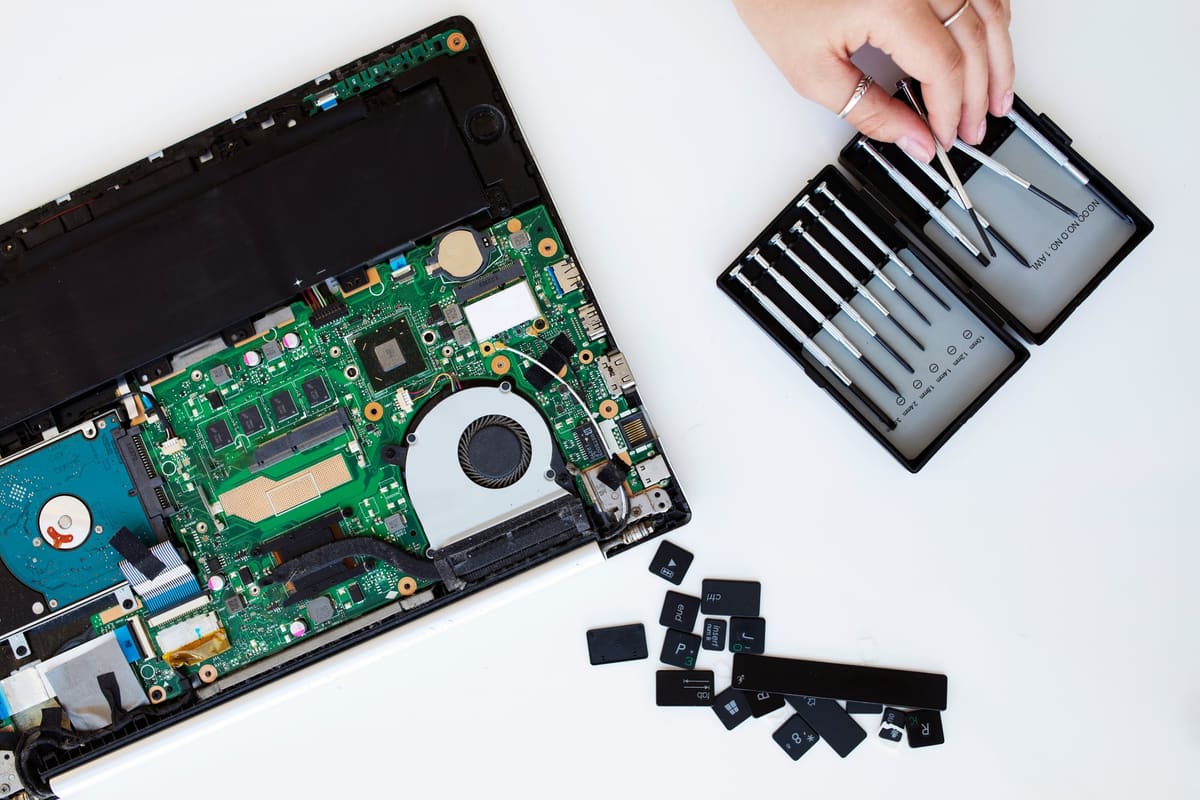
A slow laptop can have several causes. Start with software, available storage and workload before deciding that a component needs replacing.
Start with these checks
- Back up important files before making changes.
- Restart and install supported system updates.
- Check free storage and remove files you no longer need.
- Review startup apps and close demanding apps you are not using.
- Run the security scan provided by your operating system.
Notice when it happens
- Slow only in one application: check that app and its requirements.
- Slow during several demanding tasks: look at memory and processor usage.
- Slow as the machine gets hot: use a hard, ventilated surface and have persistent overheating assessed.
When to bring it in
Repeated crashes, unusual drive noises or persistent overheating deserve assessment. Tell us when the symptoms began and whether they happen on battery or mains power. A diagnostic helps establish whether repair or an upgrade is appropriate; it does not assume a failing drive.