Windows laptops sometimes show plugged in, not charging, and MacBooks may pause charging at a certain percentage. Before assuming a fault, check whether the laptop is doing this on purpose.
Battery-care settings
Many manufacturers include settings that stop charging at around 80 percent to extend battery life. Lenovo, Dell, ASUS and others provide this through their own utilities, and macOS has optimised battery charging and charge-limit options. If the laptop stops at the same percentage every time, check these settings first.
Check the charger
- Use the original charger or one with the same wattage
- USB-C laptops often need a charger rated for laptops, not phones
- Look for damage on the cable and a loose fit in the port
- Try a different wall socket
Signs of a hardware fault
- Charging only works with the plug held at an angle
- The battery percentage never rises, whatever the setting
- The laptop shuts off as soon as it is unplugged
- The battery shows a service or replace warning
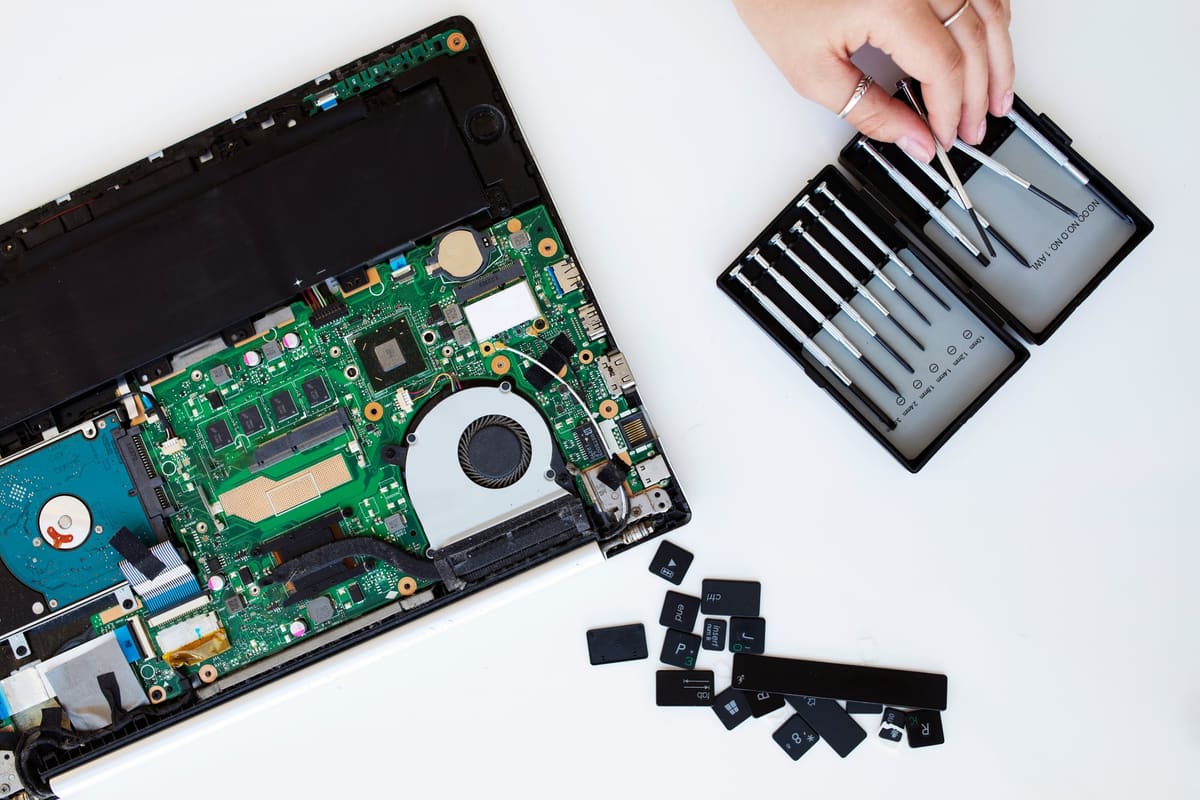
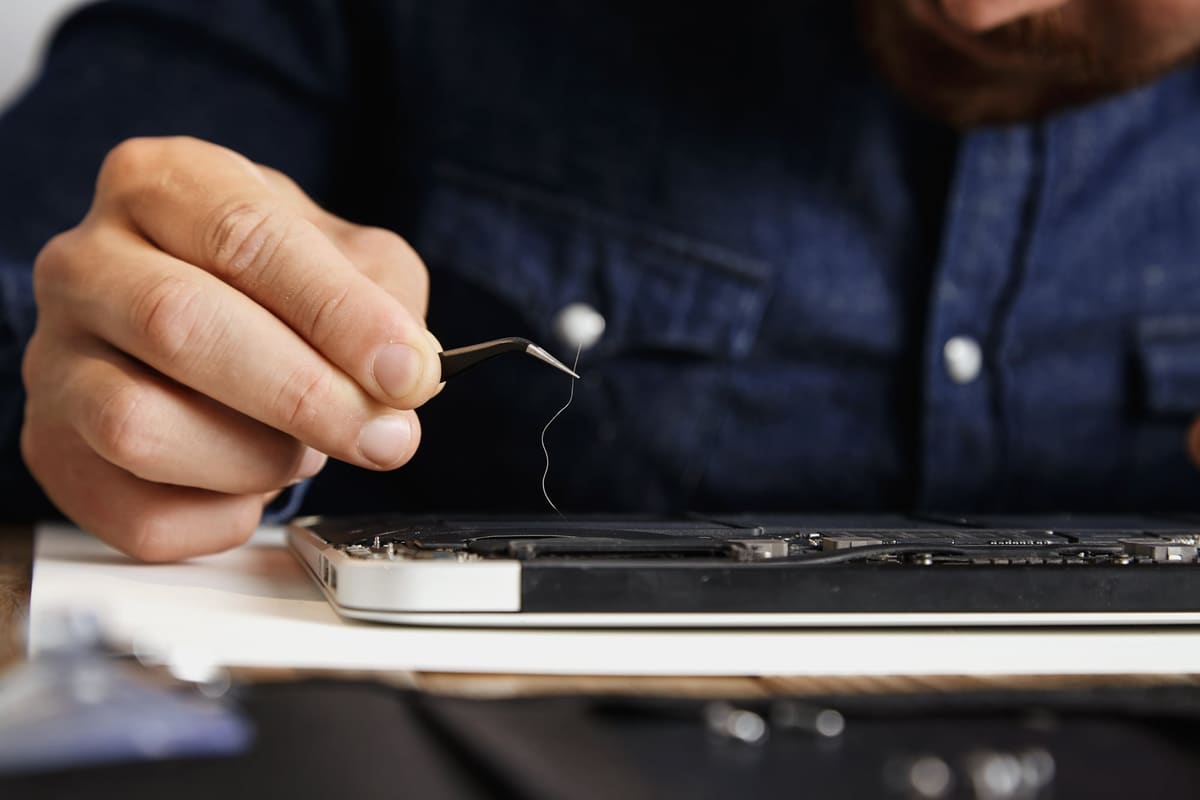
A worn charging port, damaged power jack or tired battery are all repairable. We test the charger, port and battery separately so the right part is replaced.
← Back to all repair advice