Face ID relies on the TrueDepth camera system at the top of the screen. It projects and reads thousands of invisible dots to map your face. When any part of that system is blocked or damaged, the iPhone falls back to asking for your passcode.
Simple causes to rule out
- Dirt, make-up or a smudge over the sensor area at the top of the screen
- A screen protector or case edge covering the sensors
- Sunglasses that block infrared light
- Face ID switched off for unlocking in Settings under Face ID & Passcode
- A pending iOS update or a phone that simply needs restarting
Signs of a hardware fault
If the iPhone shows a message saying Face ID is not available, or the Set Up Face ID option fails immediately, the TrueDepth hardware may be damaged. This often follows a drop onto the top edge, liquid damage, or a previous screen replacement where the sensor parts were disturbed.
What we do
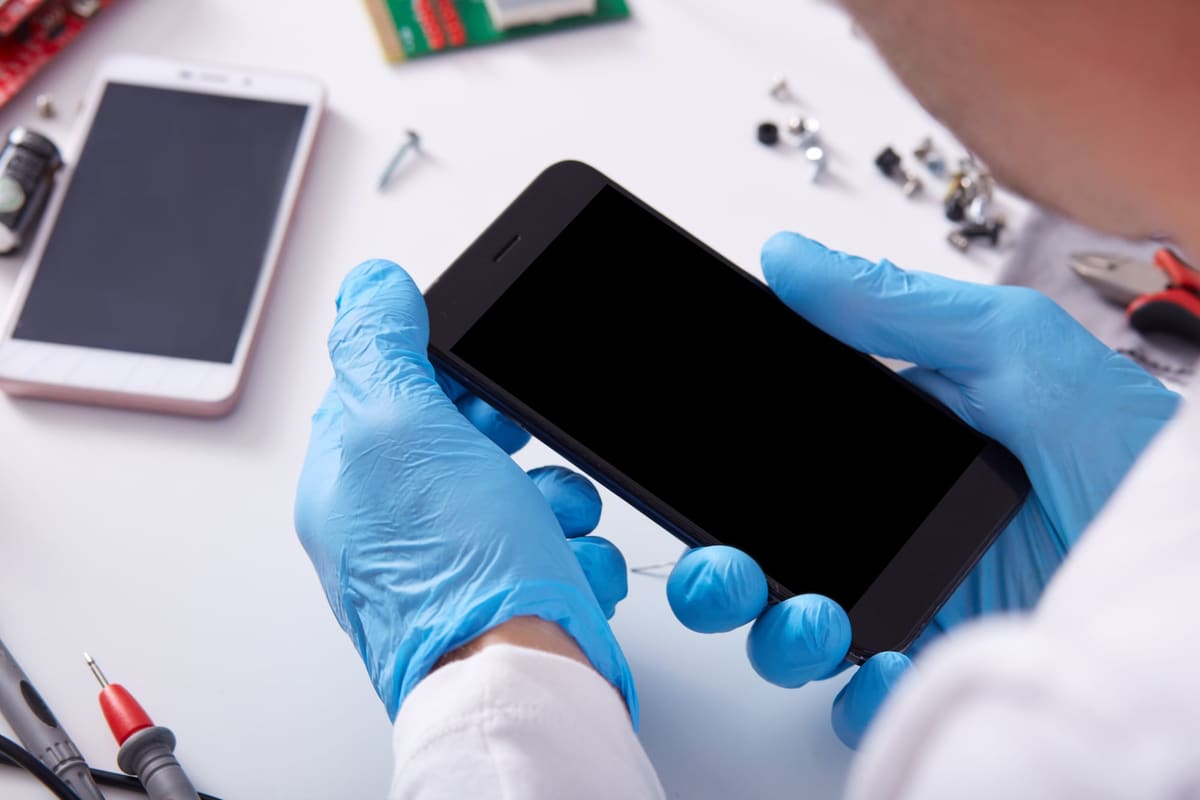
Face ID components are paired to the phone, so this is careful work. We diagnose the fault first and tell you honestly whether Face ID can be restored before any repair goes ahead. If only the screen needs replacing, we transfer the sensor parts with care so Face ID keeps working.