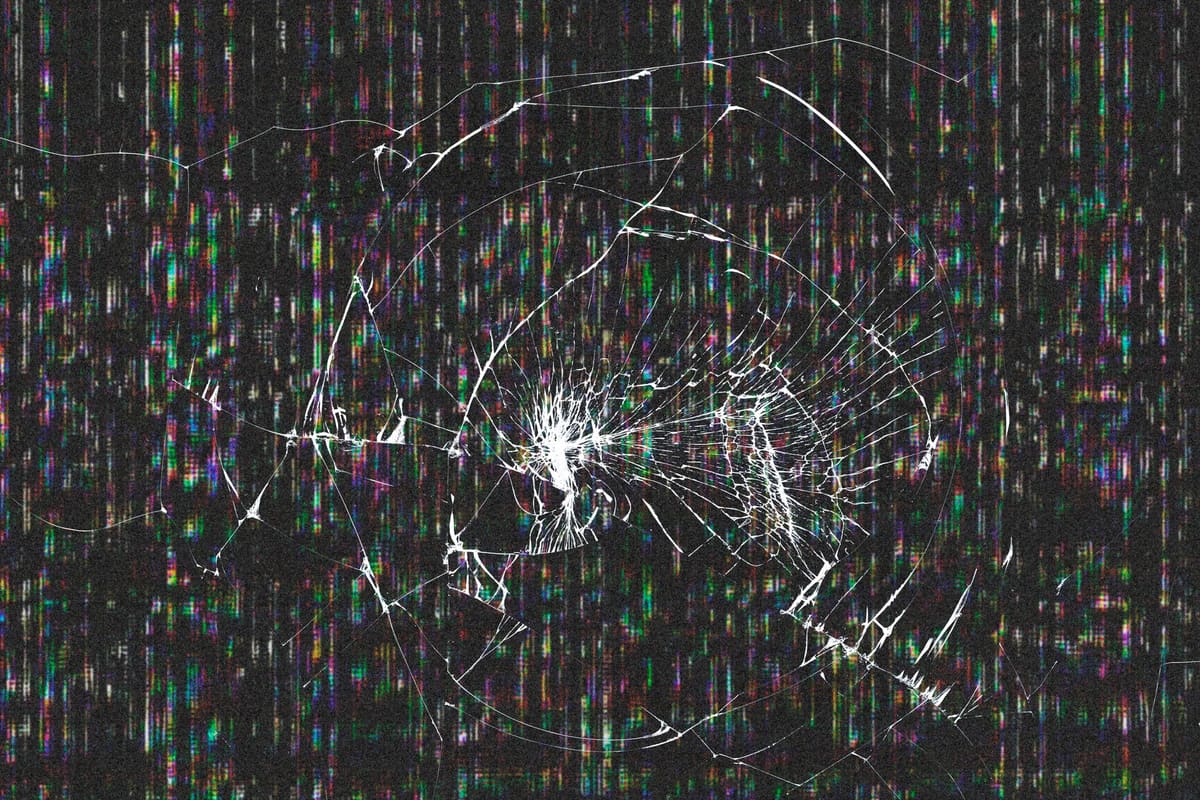
A thin green, pink or white line running top to bottom across an iPhone screen is one of the most common display faults we see. It can appear after a drop, after pressure in a pocket or bag, or seemingly out of nowhere. The good news is that the rest of the phone is usually fine.
Why the line appears
Modern iPhones use OLED panels. Each row and column of pixels is driven through very fine connections along the edge of the panel. If one of those connections is damaged, a whole column of pixels can get stuck on a single colour. That is why the line is perfectly straight and does not move when you scroll.
- Impact damage from a drop, even without cracked glass
- Pressure or flexing, for example sitting on the phone
- Liquid reaching the display connector
- A panel that is simply failing with age
Quick checks before booking a repair
- Force restart the iPhone and see whether the line survives the restart
- Take a screenshot: if the line is not in the screenshot, the fault is in the display, not the software
- Update iOS if an update is waiting
- Remove a thick case that might be pressing on the edge of the screen
When a repair is the answer
If the line stays after a restart and does not appear in screenshots, the display assembly needs replacing. Lines tend to spread, so it is worth acting before more of the screen becomes unusable. Back up the phone while you can still read the screen, then choose your exact model to see the display price.