When a tablet screen stops responding to touch, the picture often still looks perfect, which makes the fault confusing. The touch layer, called the digitiser, is separate from the image layer and can fail on its own.
Start with the basics
- Clean the screen with a slightly damp microfibre cloth
- Remove the screen protector and test again
- Take the tablet out of its case in case it presses on an edge
- Force restart the tablet
- Install any available system updates
Ghost touches
If the tablet opens apps or types on its own, check the charger first: some poor-quality chargers cause erratic touch while plugged in. Unplug it and see whether the ghost touches stop.
Signs of a hardware fault
- Touch fails in the same area every time
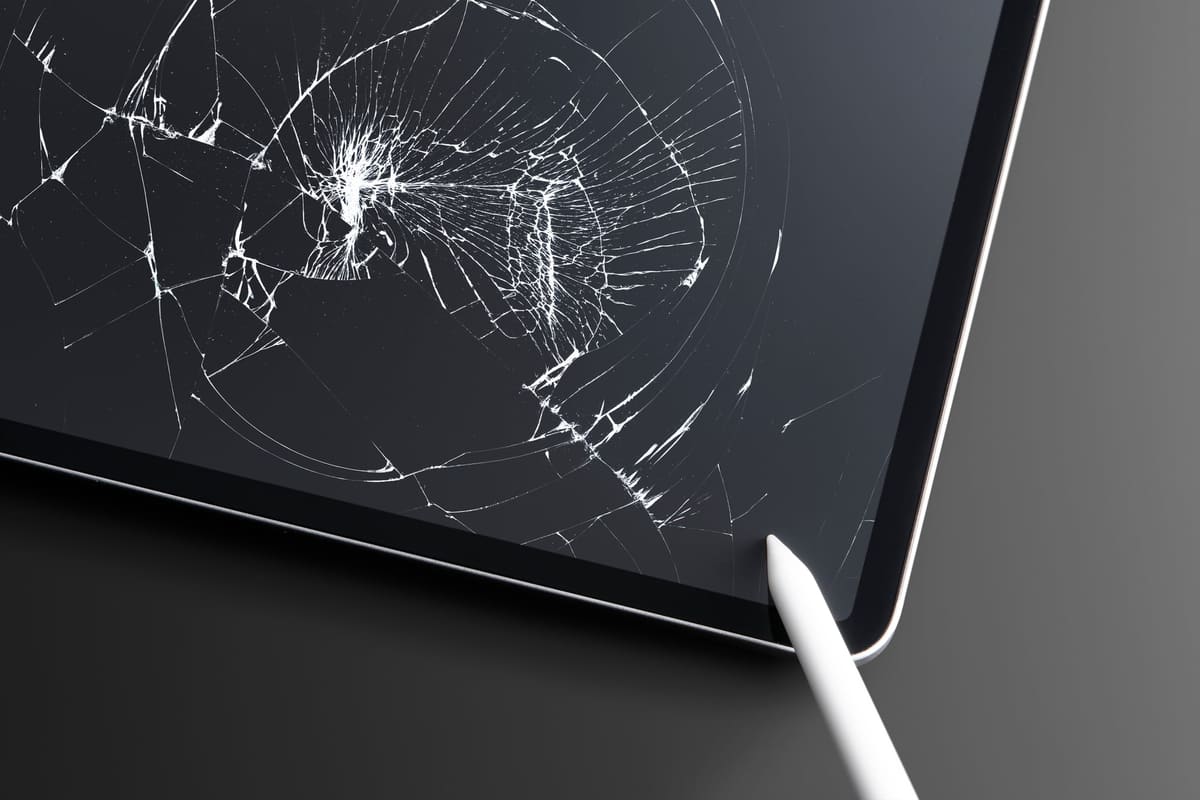
- The screen has a crack, even a small one
- The fault started after a drop or liquid contact
- Touch works for a while, then stops as the tablet warms up
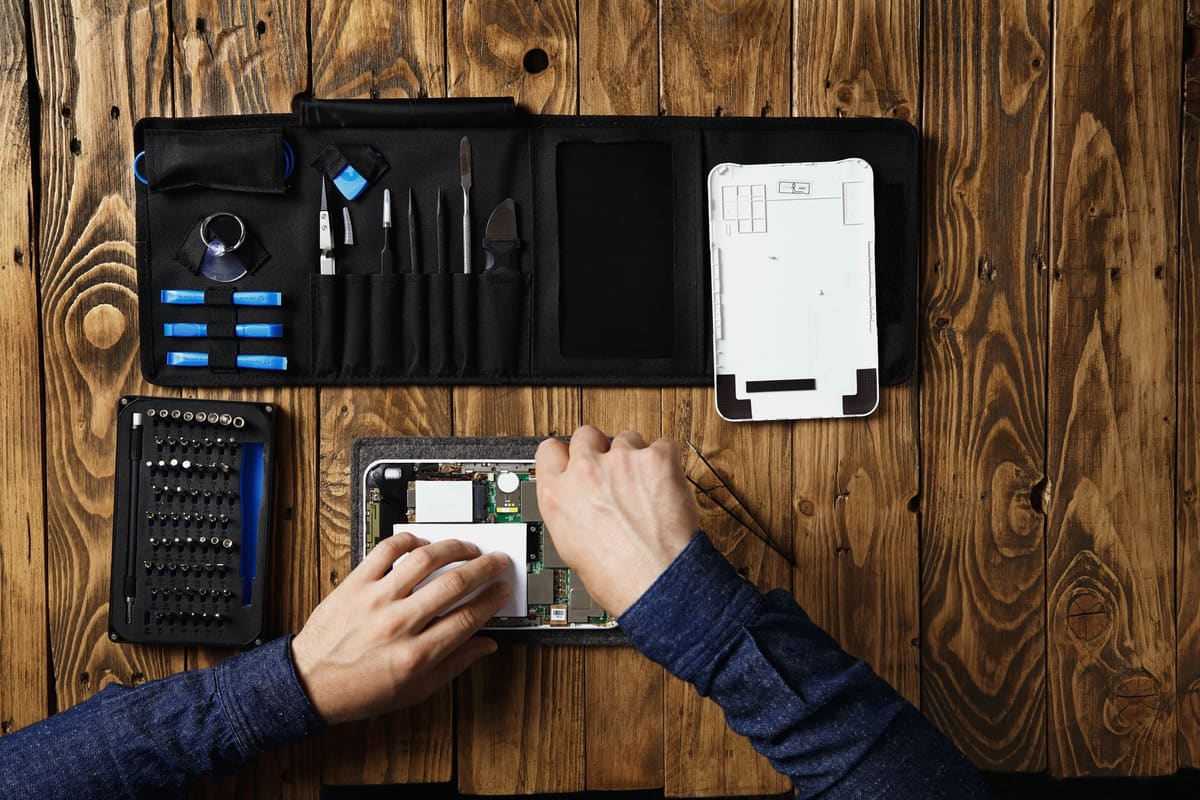
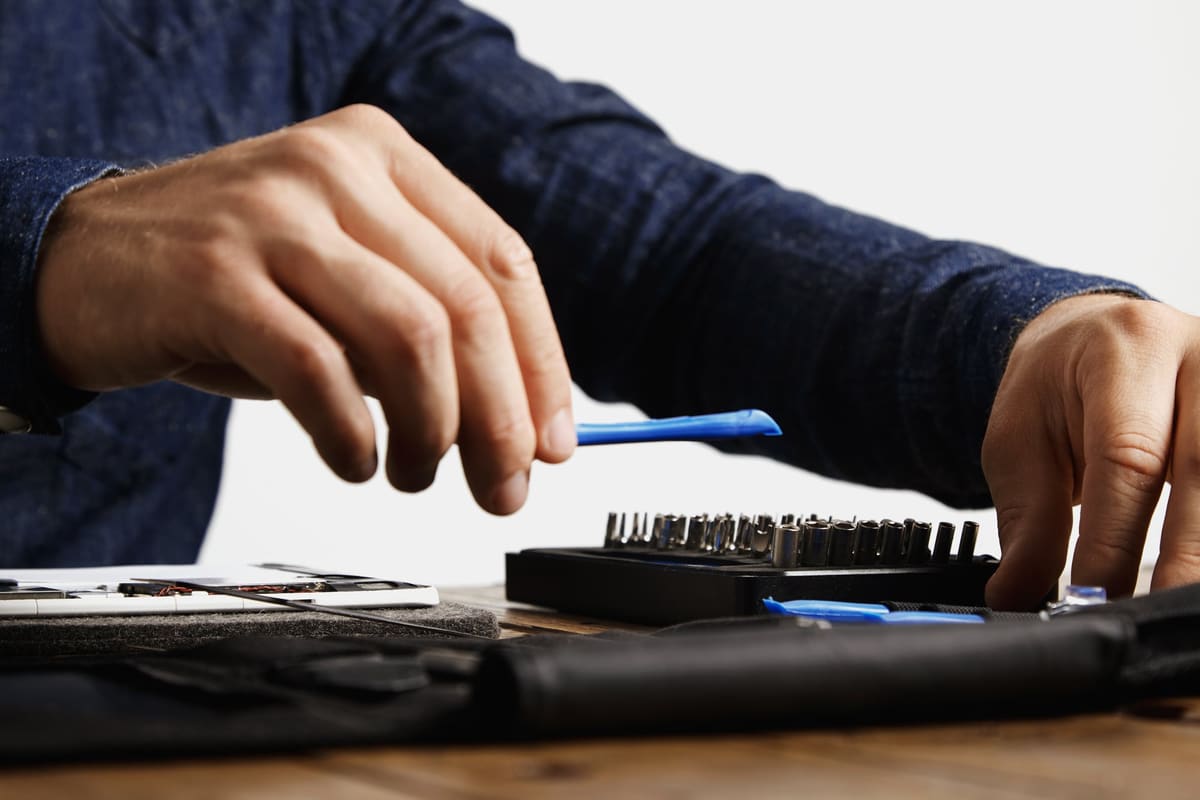
A digitiser or full screen replacement usually solves hardware touch faults. We confirm the cause with a free diagnostic before any repair.
← Back to all repair advice